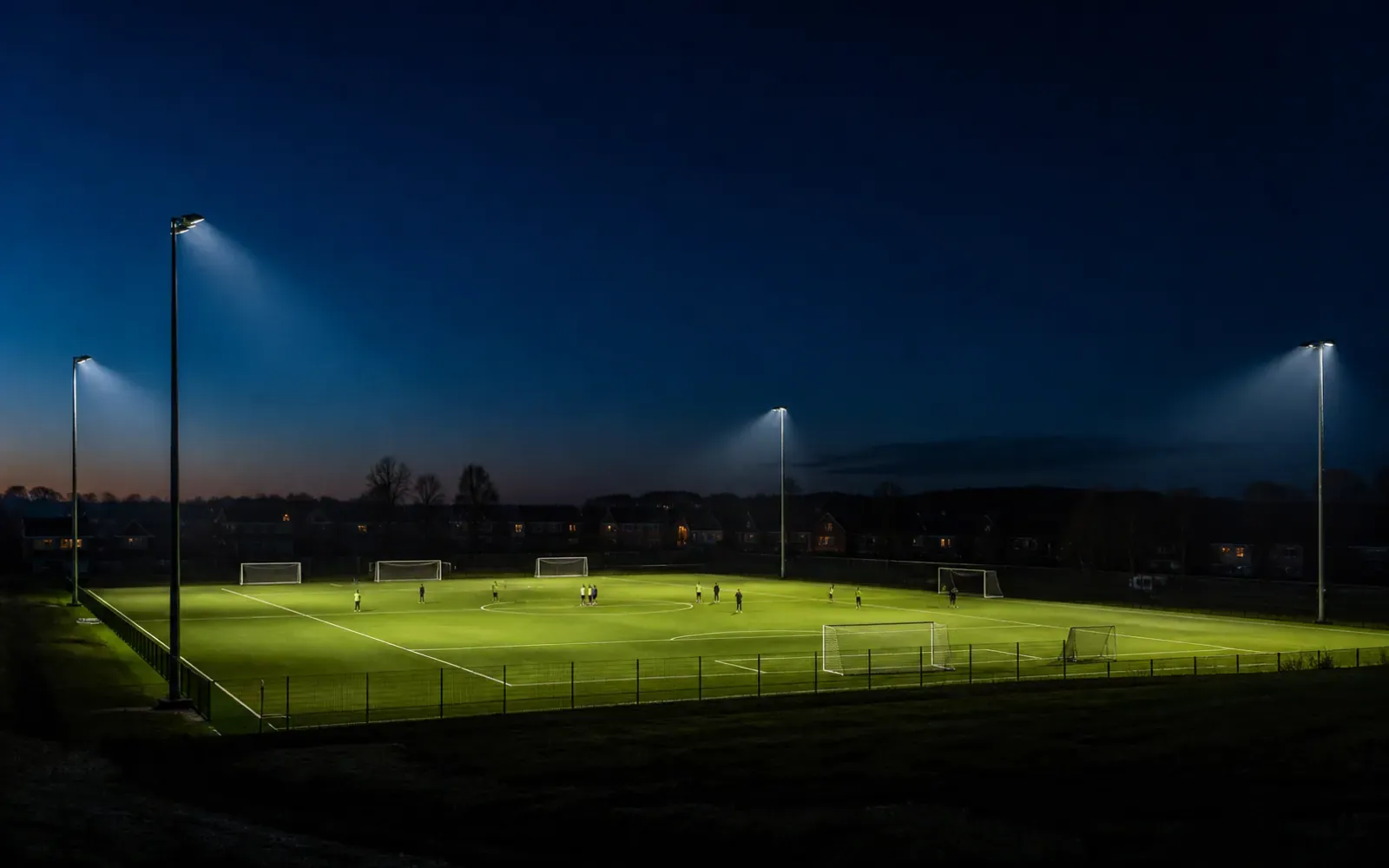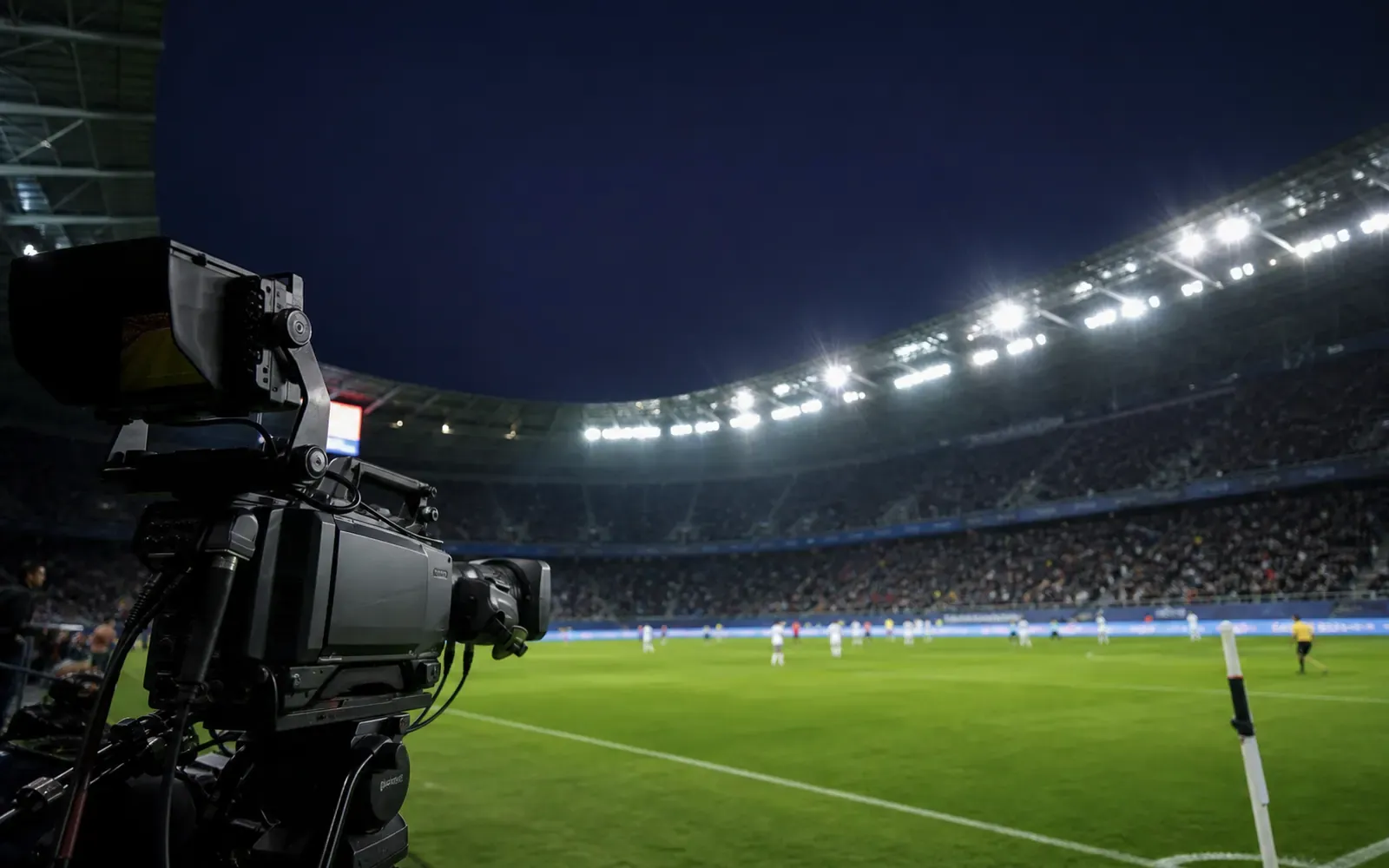
A sports light can look steady to spectators and still produce dark bands, pulsing or exposure changes on camera. The risk increases with high frame rates, short shutter times, dimmed scenes and incompatible driver/control combinations.
Procurement rule: “flicker-free” is not a measurable acceptance criterion. State the camera modes, mains conditions, lighting scenes and test method.
Collect the production requirements
Ask the broadcaster or venue operator for:
- normal and maximum frames per second;
- shutter angle or exposure time;
- camera models and scan mode;
- super-slow-motion requirement;
- replay and advertising-board conditions;
- lighting scenes used during recording;
- mains frequency and generator operation.
A training venue recording at standard frame rates has a different driver requirement from a stadium producing high-frame-rate slow motion.
Understand where modulation comes from
LEDs respond quickly to driver current. Ripple in the current can become light-output modulation. At certain camera settings, the sensor samples that modulation as horizontal bands or frame-to-frame brightness changes. Dimming can change the waveform, especially where pulse-width modulation is used.
Request quantitative flicker data across output levels, not a single full-power value. Ask the supplier to identify the measurement method, bandwidth, mains voltage and driver configuration.
Test every operating scene
Venues rarely operate only at 100%. They may use maintenance, training, competition and broadcast scenes. Test each scene that can be recorded. Include fade transitions if cameras stay live while levels change.
For a stadium LED floodlight, confirm whether dimming uses DMX, DALI or 0–10V and test the exact controller, driver and firmware combination. The DALI-2 vs 0–10V guide explains why control compatibility needs system-level validation.
Build a camera mock-up
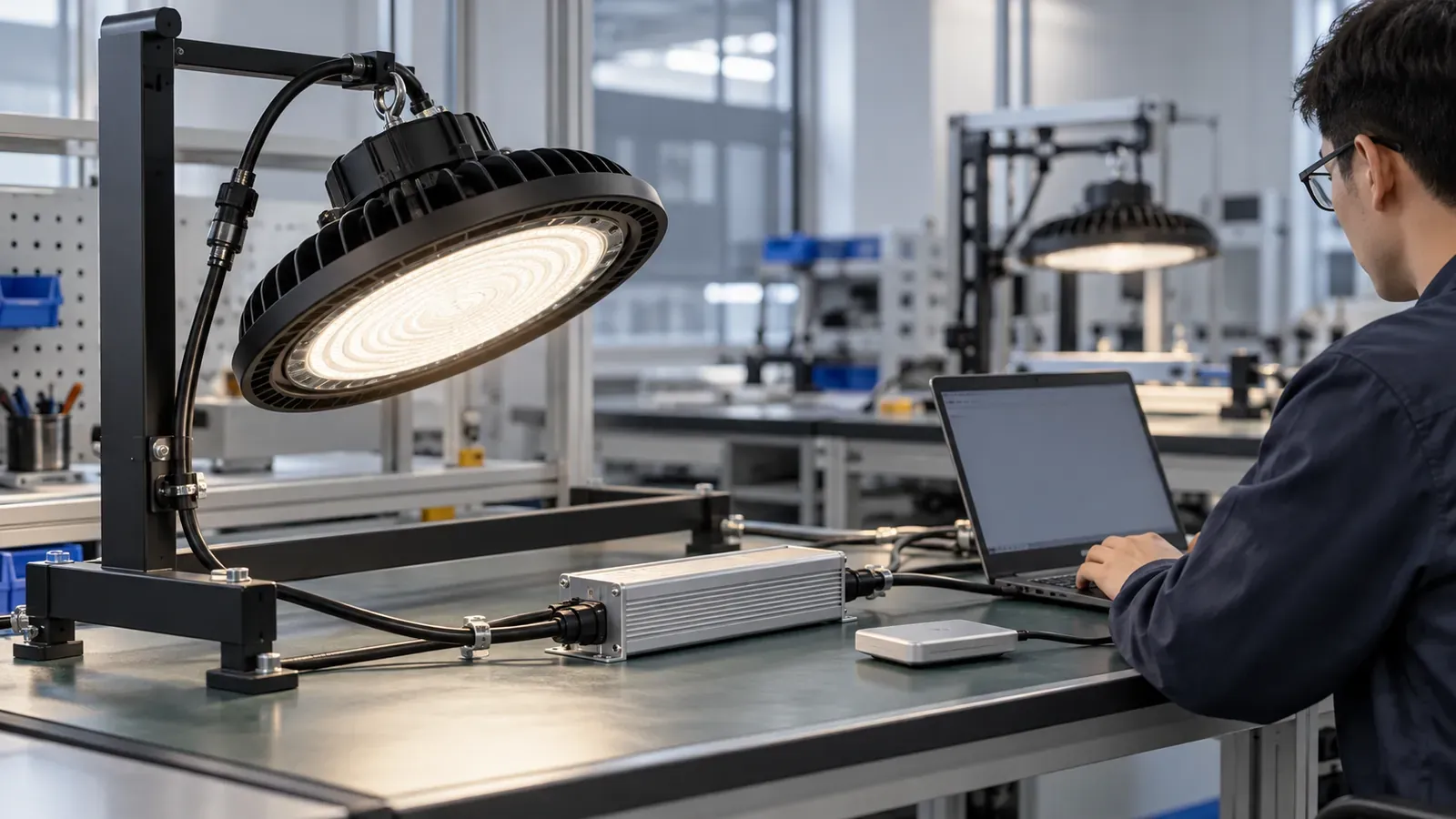
Laboratory data helps screen products, but a field mock-up reveals camera interaction. Install enough luminaires to create a representative overlapping field. Use production-intent drivers, cable lengths and controls.
Record:
- all required frame rates and shutters;
- bright and dark uniform surfaces;
- player movement and ball trajectory;
- LED advertising boards if present;
- every dimming scene;
- generator and normal utility supply where applicable.
Review footage on calibrated production monitors. Agree in advance who has authority to accept banding or exposure variation.
Do not trade flicker for glare
A low-modulation driver does not solve optical discomfort. Sports projects must also control direct glare, spill light and upward light. The Illuminating Engineering Society’s sports practice includes glare and obtrusive-light considerations (IES RP-6-22 overview). Use the applicable local standard and project class.
Our sports-lighting glare and spill guide covers shielding, aiming and neighborhood constraints.
RFQ acceptance schedule
Create a table with camera mode, lighting scene, input supply, test duration and pass criterion. Attach example test footage where possible. Require production units to use the approved driver and firmware; a later substitution can change modulation.
Also request:
- driver electrical and dimming data;
- thermal limits at remote or luminaire-mounted locations;
- control refresh behavior;
- fault and restart behavior;
- production change-notification commitment;
- commissioning and final camera-test support.
Separate camera artifacts from lighting artifacts
Not every band in a test clip comes from the floodlight. LED scoreboards, ribbon displays, advertising boards and venue screens can introduce their own scan patterns. Run a controlled test with those systems off, then add them one at a time. Keep camera exposure and lighting scene fixed while isolating each source.
Power conditions also matter. Repeat critical modes on the supply that will serve the event, including generator transfer where broadcast operation depends on it. Record voltage, frequency and scene output alongside every clip so a later review is reproducible.
Control production changes
Driver hardware, firmware, dimming curves and even factory programming can alter camera performance. The purchase order should lock the approved driver code and settings. If a change is unavoidable, require new data and repeat the agreed camera test before shipment. Retain one approved luminaire and controller as a reference for future replacement batches.
Commission with both meters and cameras
At handover, verify illuminance and uniformity, then repeat the camera matrix. Save controller configurations, scene levels, driver part numbers, fixture aiming and accepted footage. This creates a baseline for future maintenance.
Flicker performance is a system property. A credible B2B specification connects the camera, driver, dimming level, power supply and control system instead of relying on an unsupported adjective.