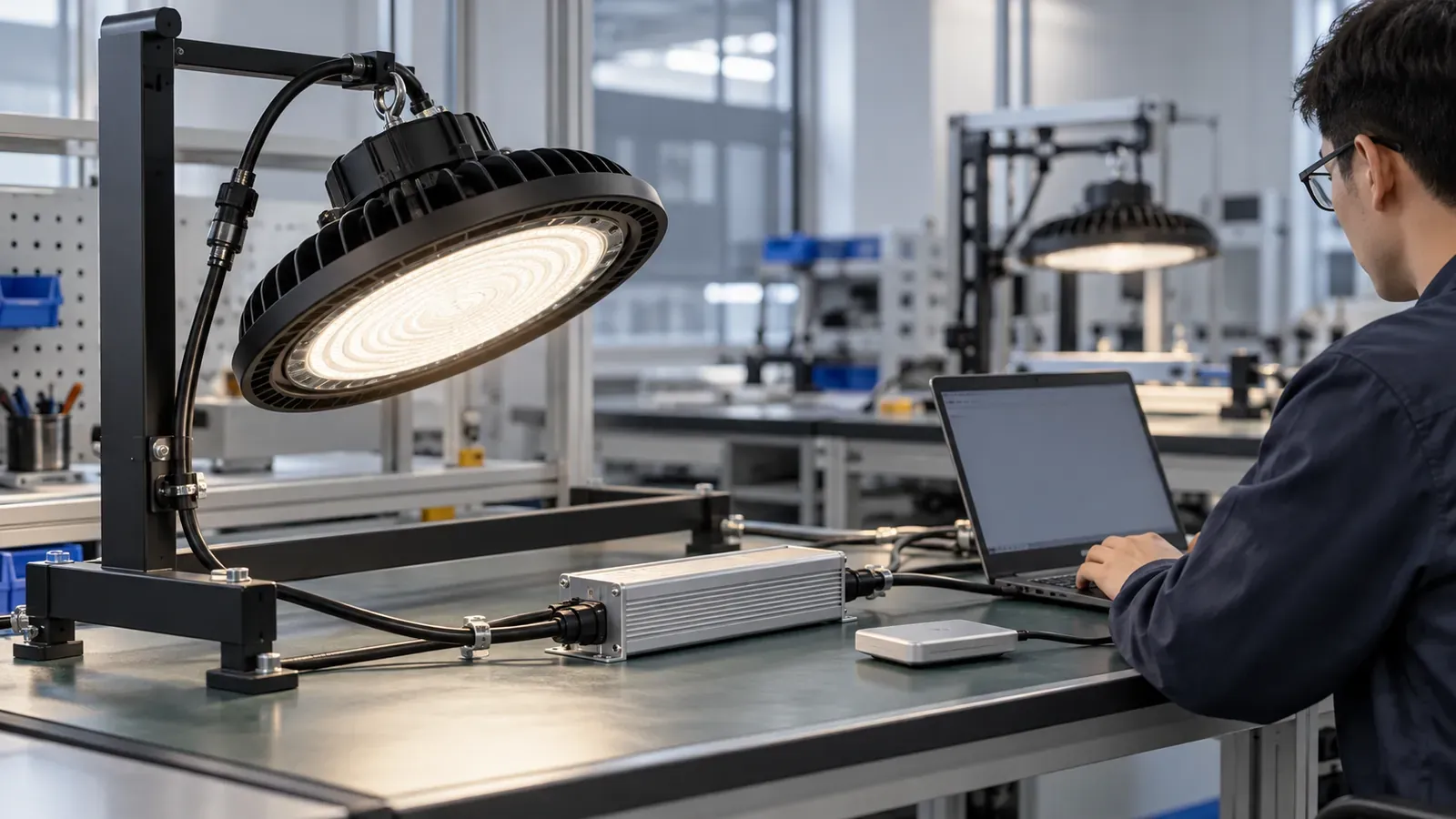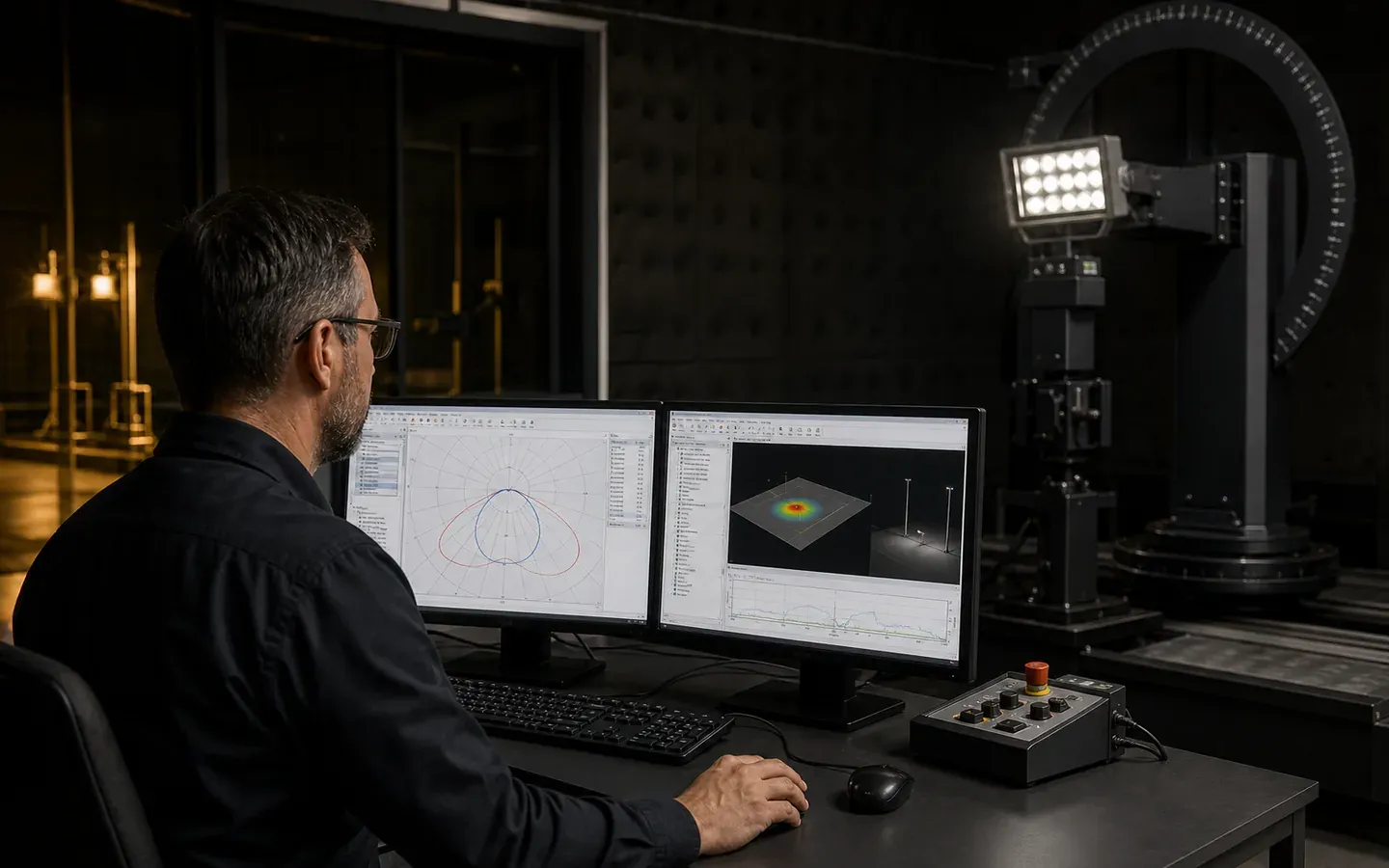
A polished DIALux or AGi32 report can still be wrong if the imported photometric file belongs to a different wattage, optic or product revision. Before comparing bids, buyers should verify the link from laboratory measurement to file, model code and calculation input.
Buyer takeaway: approve a traceable photometric data package, not a rendering. The file name, internal header, test report and quoted luminaire must describe the same configuration.
Understand what the files contain
IES files commonly use the ANSI/IES LM-63 format; EULUMDAT files use the LDT format common in Europe. Both transfer luminous-intensity data for use in lighting software. The IES explains that an IES file represents how a luminaire distributes light and is created from photometric testing such as LM-79 (IES file overview).
The file does not prove suitability on its own. It must be paired with product identity, test conditions, total output and the real geometry of the project.
Compare the internal header with the submittal
Open the plain-text file and record:
- manufacturer and luminaire description;
- catalog/model number;
- laboratory and report reference if present;
- test date;
- lamp or LED description;
- input power and total lumens;
- dimensions and luminous opening;
- photometric type and units;
- tilt information and multiplier.
Compare those values with the datasheet, quotation and LM-79 report. A renamed file is not a revised test.
Check optic and orientation
Narrow, wide and asymmetric distributions can share the same housing. Confirm lens code, mounting orientation and aiming convention. For asymmetric floodlights, a 180-degree rotation in software can direct the peak intensity behind the pole.
Use the floodlight beam-angle guide to review distribution shape. For warehouse aisles, compare the file against the selected UFO or linear high bay.
Reconcile lumens and watts
The file’s lamp-lumen fields and multiplier conventions can confuse reviewers. Compare the calculated total output with the accredited report rather than assuming every header uses the same convention. Confirm whether the software applies a light-loss factor separately.
Reject unexplained scaling. If a supplier multiplies one test file to represent several wattages, request evidence that optical and thermal behavior remain representative and state the permitted scaling method in the tender.
| Validation point | Acceptable evidence | Red flag |
|---|---|---|
| Model identity | Exact optic/wattage code | Generic family name only |
| Test traceability | Report and file linked | File date predates product revision |
| Output | File/report values reconcile | Manual multiplier with no basis |
| Orientation | Drawing and aiming convention | Asymmetric file used as symmetric |
| Dimensions | Correct luminous opening | Default zero or unrelated geometry |
| Revision | Controlled filename/version | Same name reused after component change |
Audit the project model inputs
Photometric validation continues inside the calculation. Check room and yard dimensions, mounting heights, pole setbacks, obstructions, rack or container heights, reflectances, maintenance factors and calculation planes. Average illuminance alone is insufficient; review minimum values, uniformity, vertical planes and boundary spill relevant to the task.
For ports, use the container-yard floodlight specification. For airport aprons, coordinate the file with the apron lighting procurement guide.
Control revisions after approval
LED packages, optics, drivers and board layouts can change distribution or output. Put the photometric report number and file checksum in the approved submittal. Require a new review if any optical or electrical component changes.
During a pilot installation, record aiming and compare representative measured points with the model under documented conditions. Differences can result from tolerances, surfaces, obstructions, voltage, dirt or aiming—not only the file—so investigate systematically.
Tender clause
“Submit model-specific IES LM-63 and/or EULUMDAT files linked to the applicable photometric test report. File header, optic, wattage, dimensions and quoted model shall agree. Disclose all multipliers and light-loss factors. No file substitution or manual scaling is permitted without written technical justification and buyer approval.”
Combine this clause with the industrial lighting RFQ checklist to make every bidder calculate from the same site assumptions.