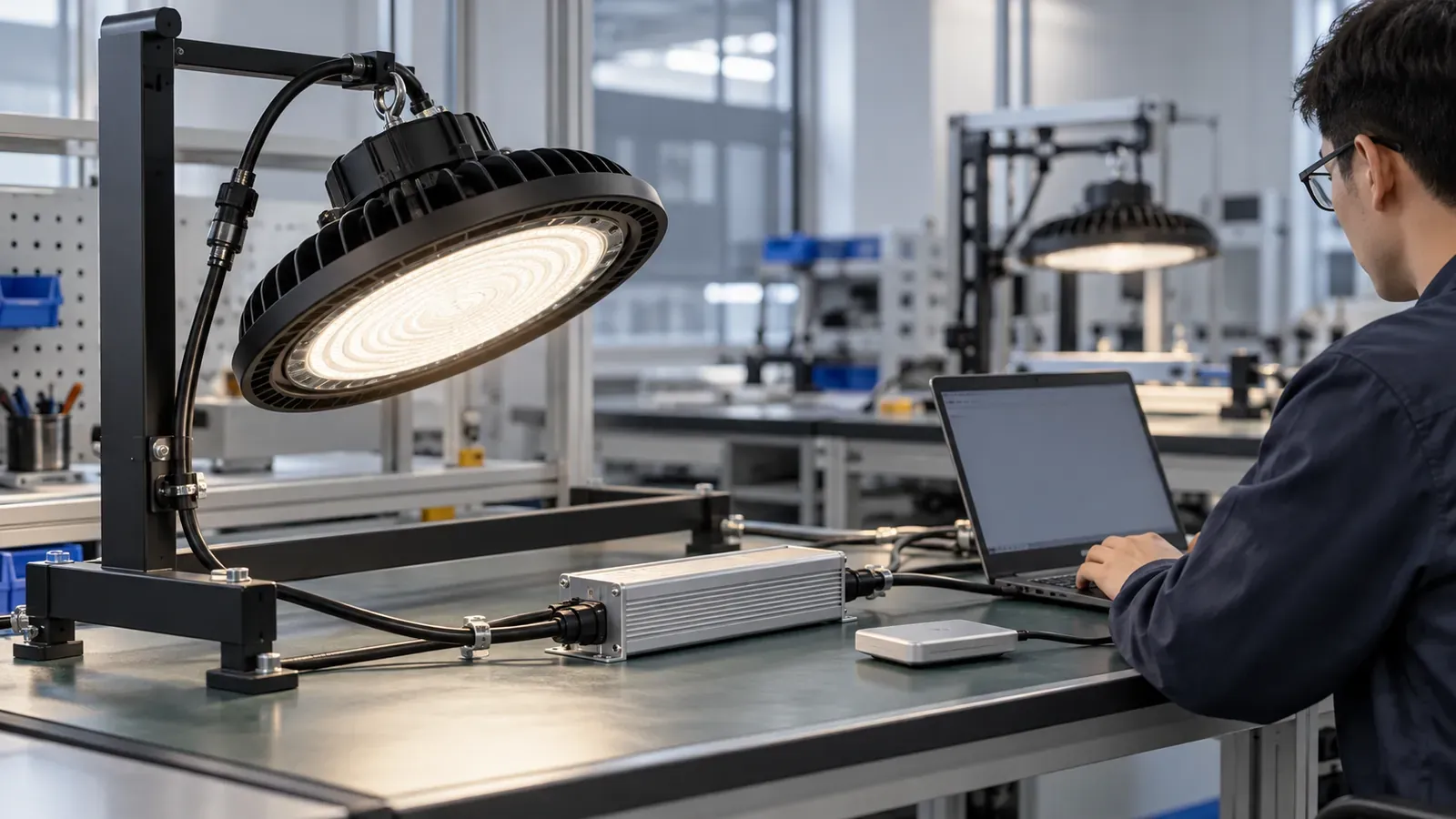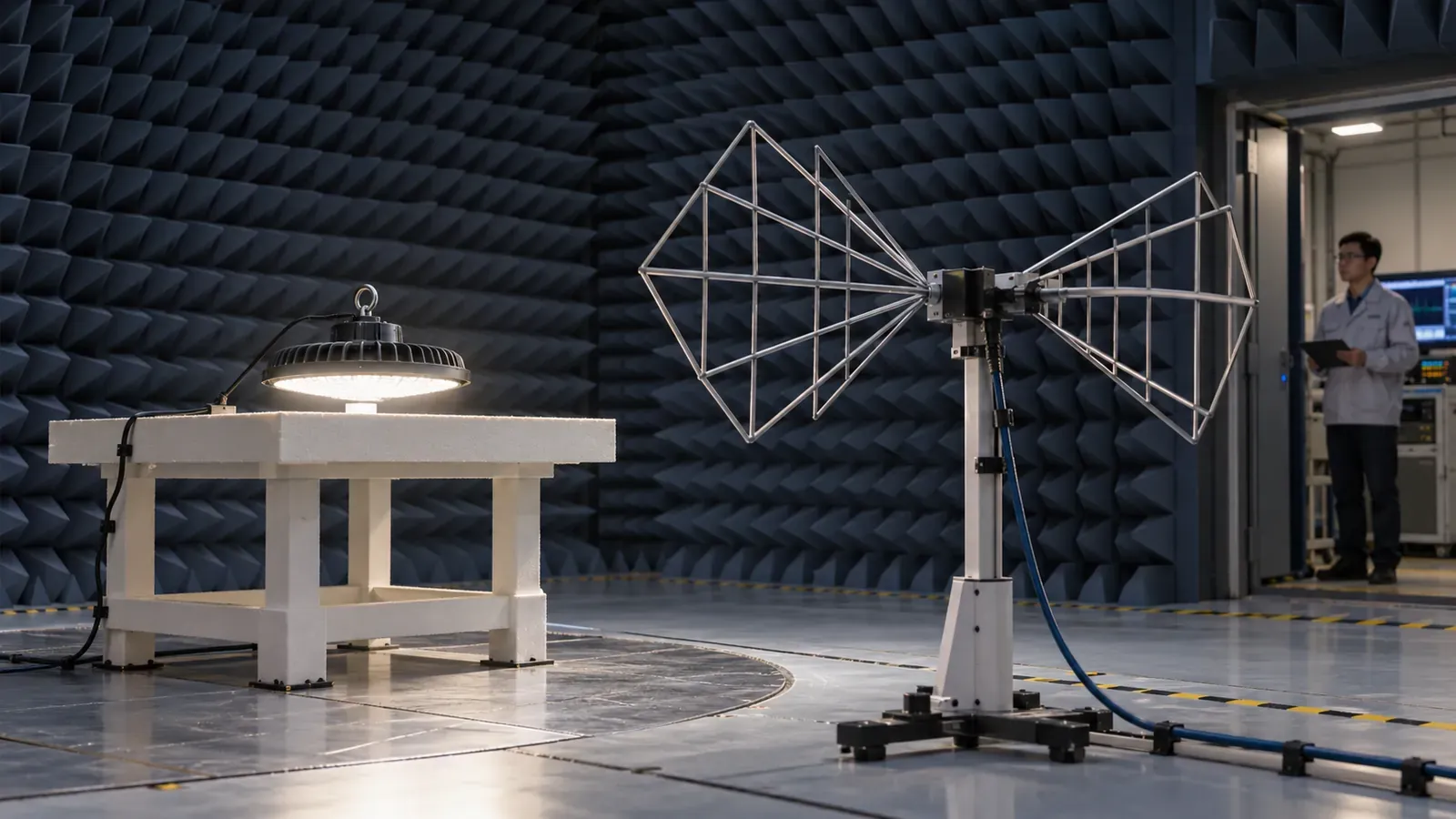
“UGR <19” appears on many industrial-lighting datasheets, but it is often treated as though it were a permanent property of the luminaire. It is not. Unified Glare Rating is a prediction for an indoor lighting installation under stated conditions. Room dimensions, surface reflectance, observer position, viewing direction and every visible luminaire affect the result.
For a B2B buyer, the useful question is therefore not “Does this high bay have UGR 19?” but “Does the proposed warehouse layout meet the project glare criterion at the relevant observer positions?” This guide explains what to request from a supplier and how to compare proposals on equal terms.
1. What UGR measures—and what it does not
UGR estimates discomfort glare from electric luminaires in an indoor visual field. The method was established in CIE 117:1995, which explicitly accounts for observer position and direction of view. A lower calculated value indicates less predicted discomfort under the modeled conditions.
UGR does not directly certify product quality, eliminate reflected glare or prove that a worker can see every task clearly. Nor does one catalogue value cover every room. The current ISO/CIE 8995-1:2025 addresses both the quantity and quality of illumination in indoor workplaces, reinforcing why illuminance, uniformity, colour quality and glare need to be assessed together.
2. Why a catalogue “UGR <19” can mislead buyers
A manufacturer may publish a tabular UGR value based on standard room proportions and reflectances. That table is useful for screening luminaires, but it is not the completed warehouse calculation. Real rack aisles, dark ceilings, high mounting points and unusual viewing directions can produce a different outcome.
Before accepting a UGR claim, ask four questions:
- Which exact wattage, optic and diffuser were evaluated?
- Is the number a tabular value or a project calculation?
- What room dimensions and surface reflectances were assumed?
- From which observer positions and viewing directions was glare checked?
If the supplier cannot connect the claim to a photometric file and defined conditions, treat it as marketing shorthand rather than project evidence.
3. Set the glare criterion by work zone
A warehouse is rarely one visual task. Forklift travel lanes, bulk storage, barcode picking, packing benches and inspection stations have different viewing demands. The project designer should assign the glare limit required by the applicable local standard and customer brief for each zone; do not copy a universal UGR limit from another building.
Record where people normally look. A picker may look horizontally toward labels, a forklift operator may see luminaires near the forward line of sight, and a maintenance worker may look upward. In high-rack aisles, evaluate both travel directions and representative positions near aisle ends. In open areas, include views across rows of luminaires rather than checking only directly below one fitting.
4. Give every bidder the same calculation inputs
UGR comparisons are meaningful only when suppliers model the same warehouse. Issue a common calculation brief containing:
| Required input | Why it affects glare |
|---|---|
| Room and zone dimensions | Changes the number and apparent position of visible luminaires |
| Mounting height and suspension | Changes viewing angle and apparent source size |
| Rack geometry and obstructions | Alters sight lines, background brightness and useful vertical light |
| Ceiling, wall, floor and rack reflectance | Changes background luminance in the calculation |
| Observer positions and viewing directions | UGR varies with what the observer can see |
| Maintenance factor and target illuminance | Prevents glare reduction by simply under-lighting the space |
Use the same inputs for the competing UFO and linear high-bay options. Our warehouse high-bay specification guide covers the wider room, task and operating data that should accompany this glare brief.
5. Control high-angle intensity, not only wattage
Glare is strongly influenced by luminaire luminance and light emitted toward the observer. Reducing wattage may lower glare, but it can also leave the task under-lit. A better design first controls the distribution through an appropriate optic, shielding depth, diffuser or reflector, then adjusts output and spacing.
For open storage, a well-controlled medium or wide distribution may deliver useful uniformity without exposing a harsh bright source at shallow viewing angles. Tall rack aisles often benefit from a linear asymmetric or aisle distribution that directs light onto rack faces. See the UFO versus linear high-bay comparison before asking one housing style to cover every zone.
6. Validate the exact photometric file
Request an IES or LDT file for the exact model, power, CCT, optic and optical cover offered. The identifier in the file should match the quotation and sample label. Then check measured luminaire lumens and input power against the datasheet.
The lighting calculation should report maintained illuminance, minimum and average illuminance, uniformity, luminaire quantity and UGR at the agreed positions. Ask for the editable DIALux or Relux project as well as the PDF. The IES/LDT photometric-file validation checklist provides a practical review sequence for importers and contractors.
7. Compare glare solutions without sacrificing performance
Require bidders to report the same set of outputs. This prevents a proposal from winning on a low glare number while using fewer lumens, a different working plane or a generous reflectance assumption.
Score each option on:
- compliance at every specified observer position;
- maintained illuminance and uniformity in each task zone;
- vertical illuminance on rack faces where picking occurs;
- installed watts and fixture quantity;
- consistency between the calculation file, quotation and sample;
- visual comfort in a representative trial installation.
If glare is too high, compare controlled changes one at a time: optic, diffuser, mounting height, spacing, output or luminaire orientation. Recalculate after every change so the solution remains traceable.
8. Approve a sample zone before mass production
A calculation predicts performance; a trial zone verifies how the design feels and functions in the real building. Install several production-representative luminaires in the most demanding area. Check them from normal walking, driving, picking and packing positions, both when the space is empty and when racks are stocked.
Confirm that the sample uses the ordered LED board, driver, optic and cover. Photograph the approved label and record the component codes. If a diffuser or reflector is added to control glare, repeat the power and photometric checks because optical changes can also reduce output and alter distribution.
Warehouse high-bay UGR RFQ wording
Use project-specific language instead of a bare “UGR <19” line:
Supplier shall calculate discomfort glare using the exact proposed luminaire photometric file and the issued room geometry, reflectances, mounting positions and task illuminance criteria. Report UGR for the observer locations and viewing directions marked on the plan. Submit the editable calculation file, PDF report, matching IES/LDT file and a production-representative sample. List every deviation from the issued assumptions.
The project designer should insert the required limit for each work zone and confirm the locally applicable standard. This wording makes the acceptance method auditable and gives suppliers room to optimize optics rather than merely repeat a catalogue claim.
Final purchasing check
For warehouse LED high bay glare control, buy the calculated installation—not a number printed beside a product photo. Freeze the geometry, task targets and observer positions; validate the exact photometric file; compare glare alongside illuminance and uniformity; and approve a representative sample zone. Those steps turn UGR from a vague sales phrase into a measurable procurement requirement.